Why a COA matters
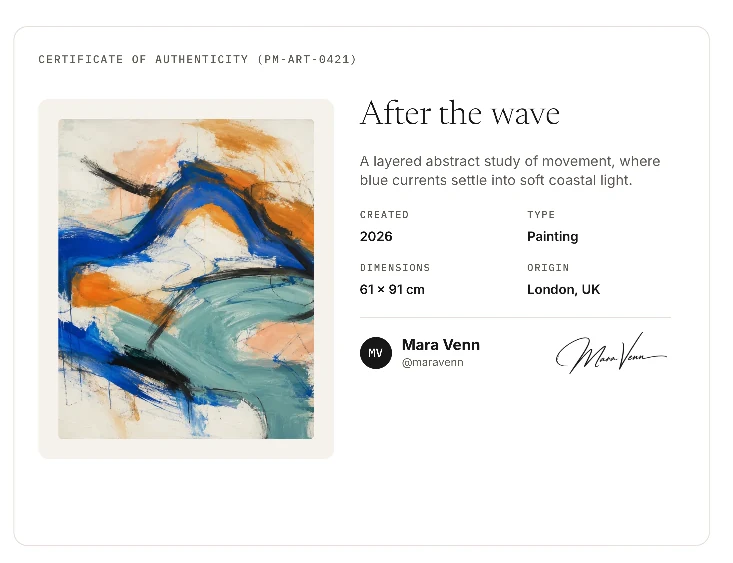
A COA gives an artwork a clear record of authorship, identity, and origin. It helps a collector understand exactly what they own and gives the creator a way to preserve the story of the work after it leaves the studio.
For sales, galleries, insurance, archives, and resale, a COA reduces uncertainty. It gives each artwork a digital passport: a trusted record of authenticity that stays connected to the piece wherever it goes.
What to Include in Your COA
A useful COA should be specific enough to identify the exact physical artwork, clear enough for a collector to understand, and verifiable enough to trust later.
Artwork identification
The artwork title and any reference that helps identify the exact piece.
Artwork specification
Material, medium, dimensions, edition details, and year of production.
Artist details
The artist or studio name connected to the work.
Visual record
Photos of the artwork, details, edition marks, or condition.
Statement of authenticity
A clear declaration that this COA authenticates this specific artwork.
Verification details
Serial number, public verification URL, QR code, or linked proofmark.art tag.
Signature and date
The creator signature and the date the COA was issued.
How to create a COA
With proofmark.art, you can issue a COA for free. Add the artwork, publish its COA, and get a public verification page you can share with a collector, gallery, marketplace, or archive.
If you want the digital record to travel with the physical work, you can also connect the COA to a proofmark.art tag. The tag is optional; the COA can still exist and be shared on its own.
Explore the certificate options for this type of work: Certificates of authenticity for original artworks
STEP 01
Complete your creator profile
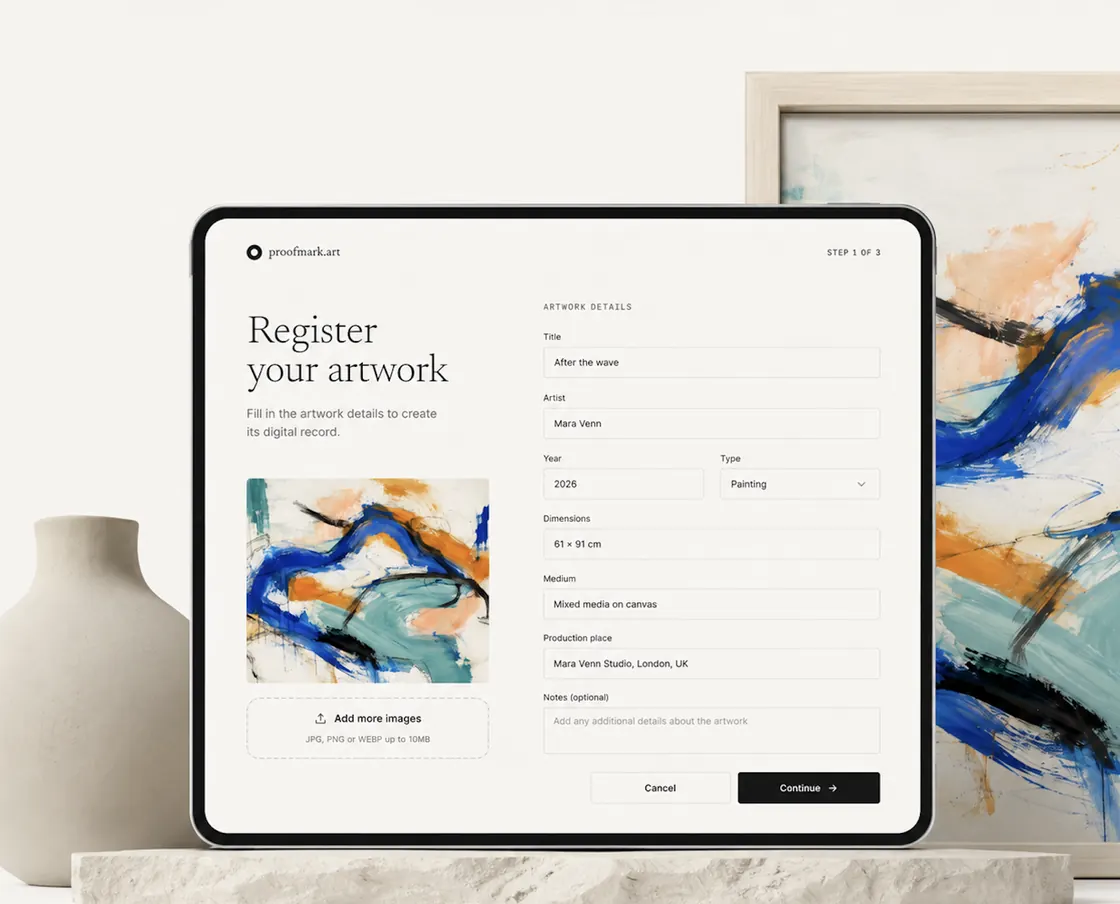
Set up the public creator details that will appear on your COA.
Set up your creator profile with your name, bio, website, and other details. These will appear on your COA.
- Create or log in to your account
- Complete the public profile fields
- Submit verification now or skip it for later
STEP 02
Register your artwork
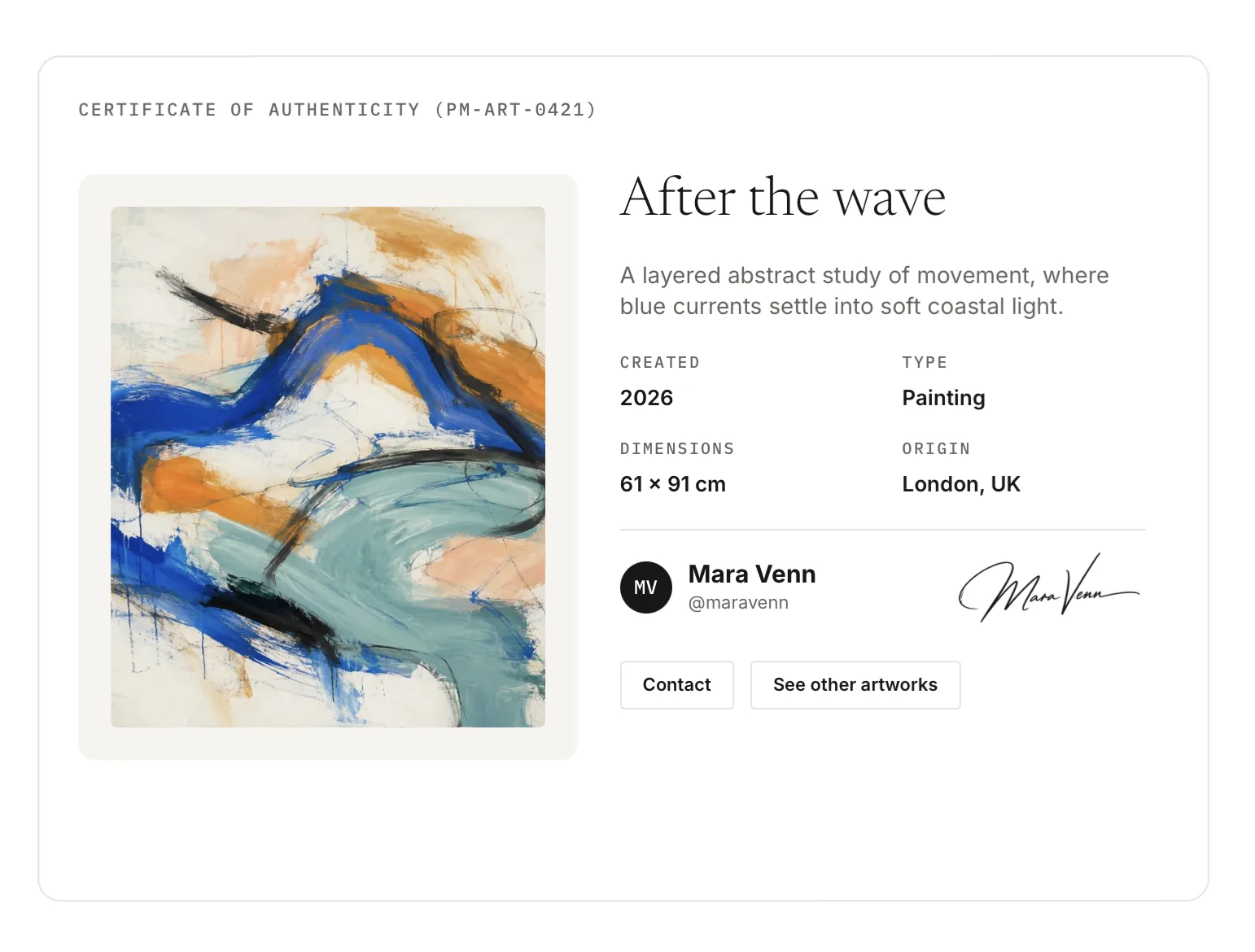
Create the artwork record, add the COA details, then issue and review the public page.
Open Artworks, choose New artwork, and upload clear images of the finished piece.
Fill in the medium, year, dimensions, origin, edition details, and location with the same care you would use for a paper COA. The goal is to make the exact physical work easy to identify later.
Once everything looks right, issue the COA and publish the public page. Make sure to review all the details before sharing.
- Create a new artwork
- Add artwork and COA details
- Issue and review the public COA
STEP 03
Link the COA to a proofmark.art tag
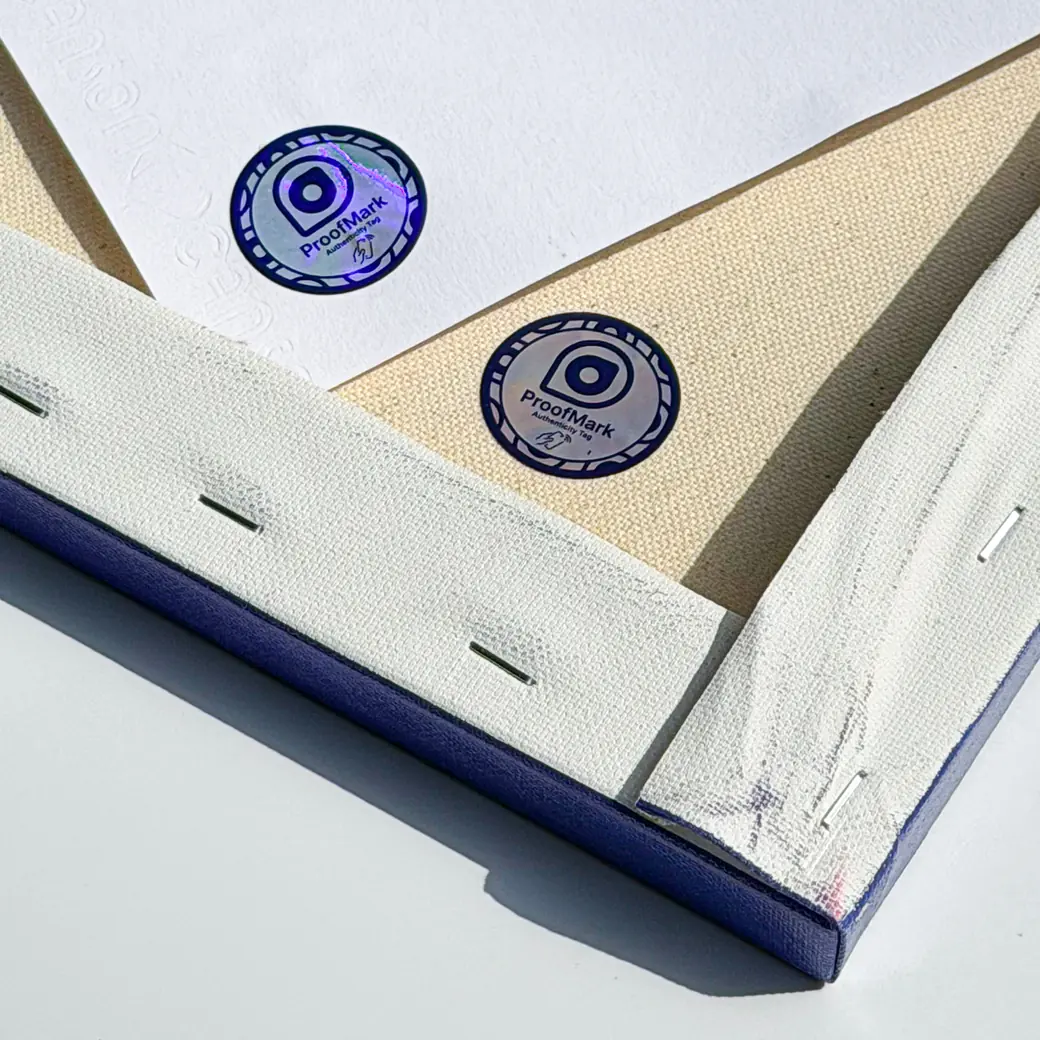
Link the digital COA to a proofmark.art tag, so collectors can tap the artwork and view the official COA.
A proofmark.art tag is a physical NFC tag that points to the COA for one artwork. It can be attached to the artwork, frame, package, or printed COA.
On the artwork page, follow the tag-linking prompts and scan the tag or enter its code. Once linked, that tag opens the public COA whenever a collector taps it with their phone.
This links the physical artwork to its official proofmark.art record, creator profile, and artwork details.
- Attach the proofmark.art tag
- Link it to the artwork COA
- Test the linked tag
AFTER THE SALE
COA benefits after the sale
A proofmark.art COA is not only a handoff document. It stays connected to the artwork, helping the collector verify it and helping you understand how the work continues to move through the world.
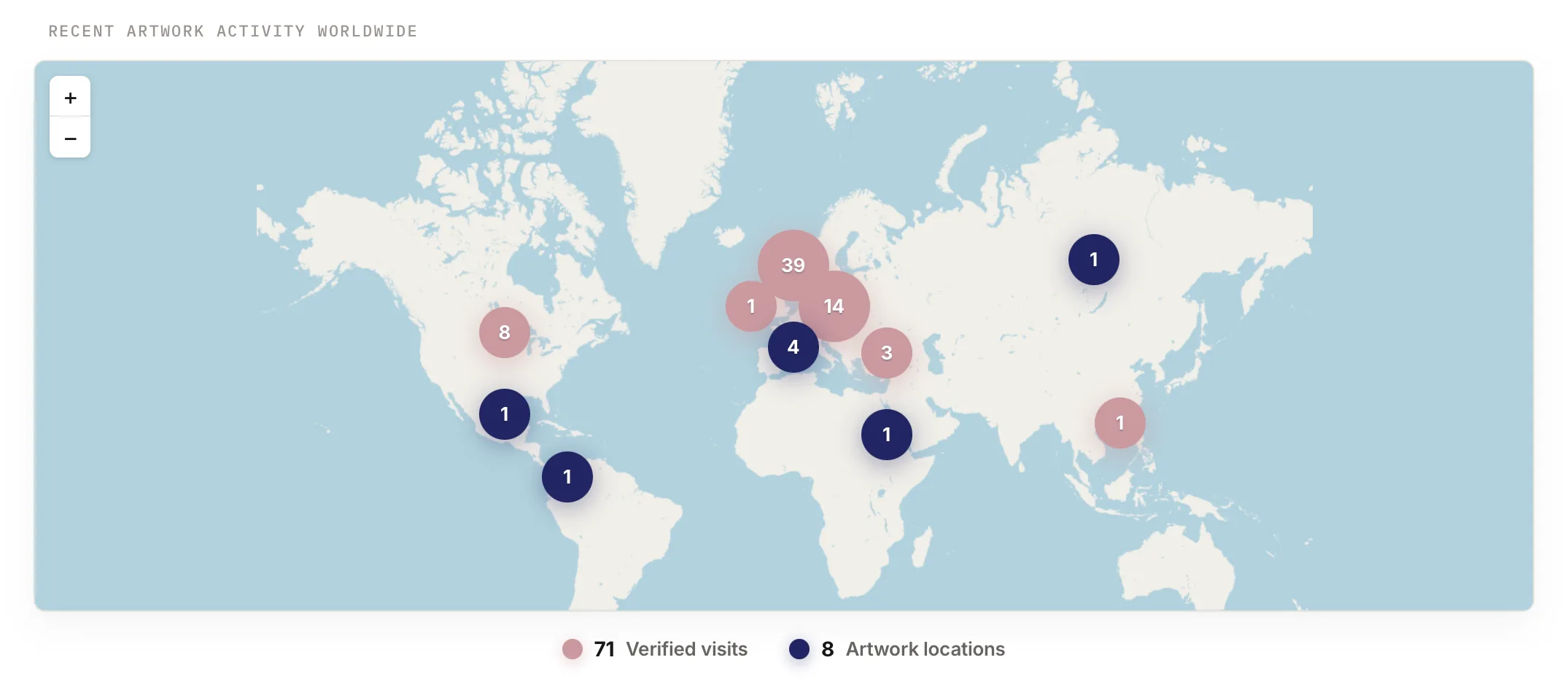
See artwork activity over time
Use proofmark.art to see where a COA is being opened and where the artwork is currently located, giving you a living view of the work after it leaves your studio.
Build a channel with your collectors
Collectors can use the COA to find your profile, contact you, and subscribe to new work, turning a single sale into an ongoing relationship.
Support confidence in the secondary market
A public COA, scan history, verification URL, and linked proofmark.art tag help future buyers understand the artwork's authenticity and provenance.