Why limited edition prints need certificates
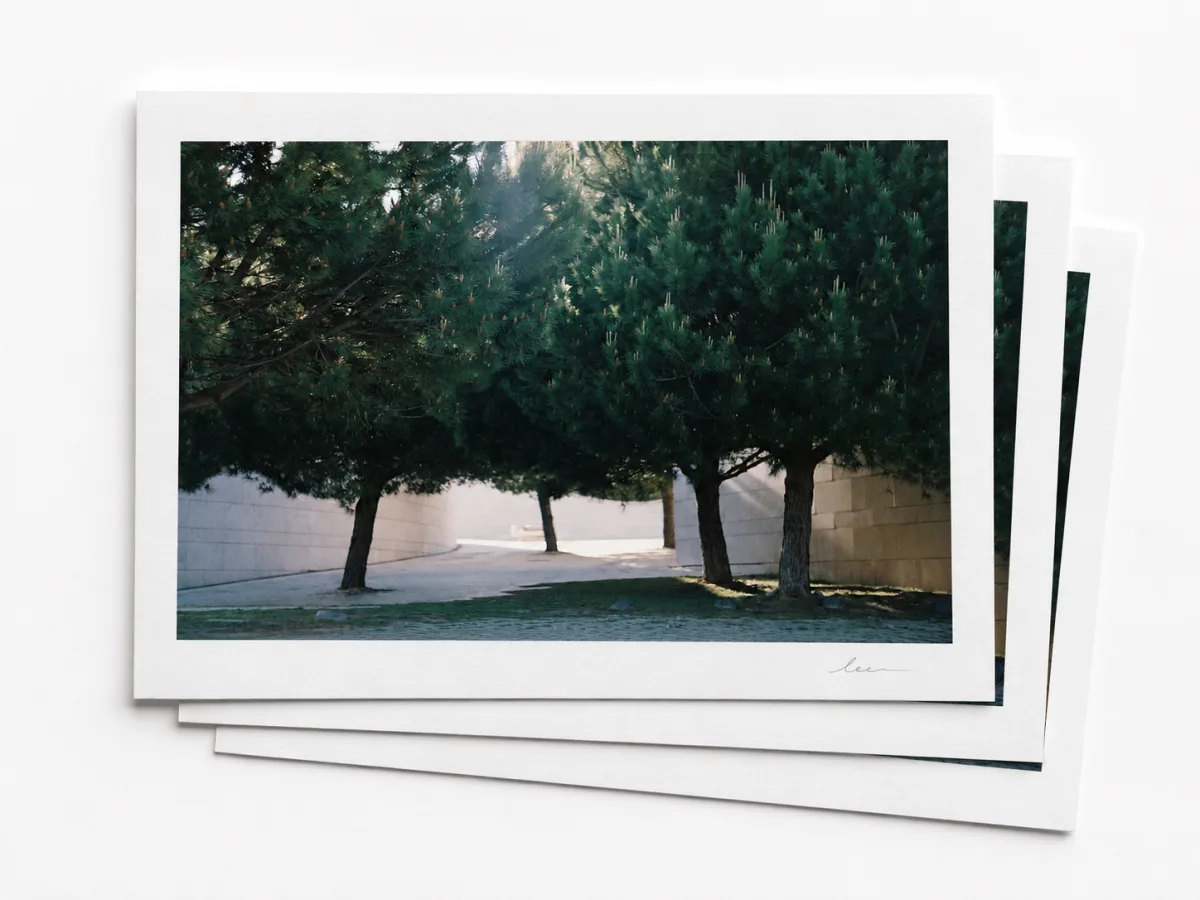
Prints are made to exist in multiples, so their value often depends on the boundaries around the edition. A certificate of authenticity gives those boundaries a clear record: which impression this is, how many exist, how it was produced, and what makes it part of a specific run rather than just another copy of the image.
That clarity is what gives a print's scarcity something collectors can trust. A strong print COA records the edition size, print number, paper or substrate, printing method, signature details, and any proof designation, so the work can be verified, insured, catalogued, gifted, or resold with less uncertainty.
How to create a certificate for a print with proofmark.art
In proofmark.art, start by registering the print and its edition details. Add the information collectors need to distinguish one impression from another, then generate certificates for the prints in that edition.
Each certificate gives a collector a public verification page for their specific print, with the edition details and creator record attached to it.
STEP 01
Register the print and its edition
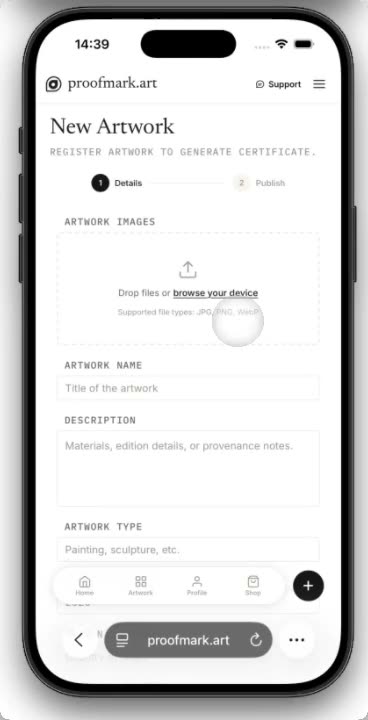
Provide your print details so proofmark.art can generate certificates in bulk, one for each print.
Add the print title, images, materials, dimensions, and edition size. If the print is limited, keep the numbering consistent, such as 12/50.
If you release another size, colorway, or future run, create a separate record for it. That way each certificate points to the exact print the collector owns.
- Add print images and details
- Set the edition size
- Keep variants in separate records
STEP 02
Generate certificates for the full edition
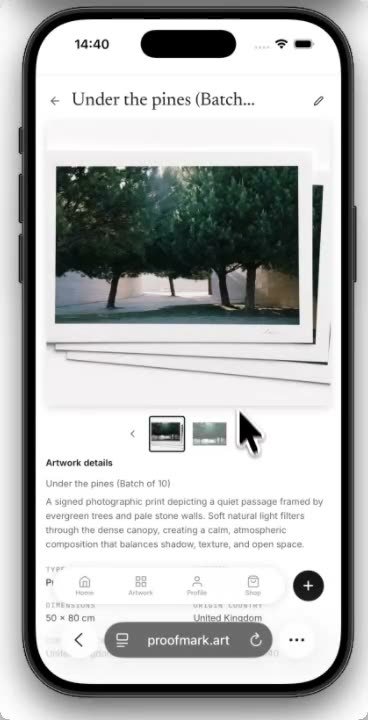
proofmark.art creates one certificate for each print in the edition, in bulk.
Once the edition details are saved, proofmark.art generates certificates for every print in that edition. If the edition size is 50, you get 50 individual certificates, each tied to a specific print number.
From there, you can share the certificate link with the customer, print the certificate so it travels with the work, or connect that certificate to a proofmark.art tag.
- Generate one certificate per print
- Share the certificate link
- Print it or attach it to a tag
STEP 03
Attach the COA to the print
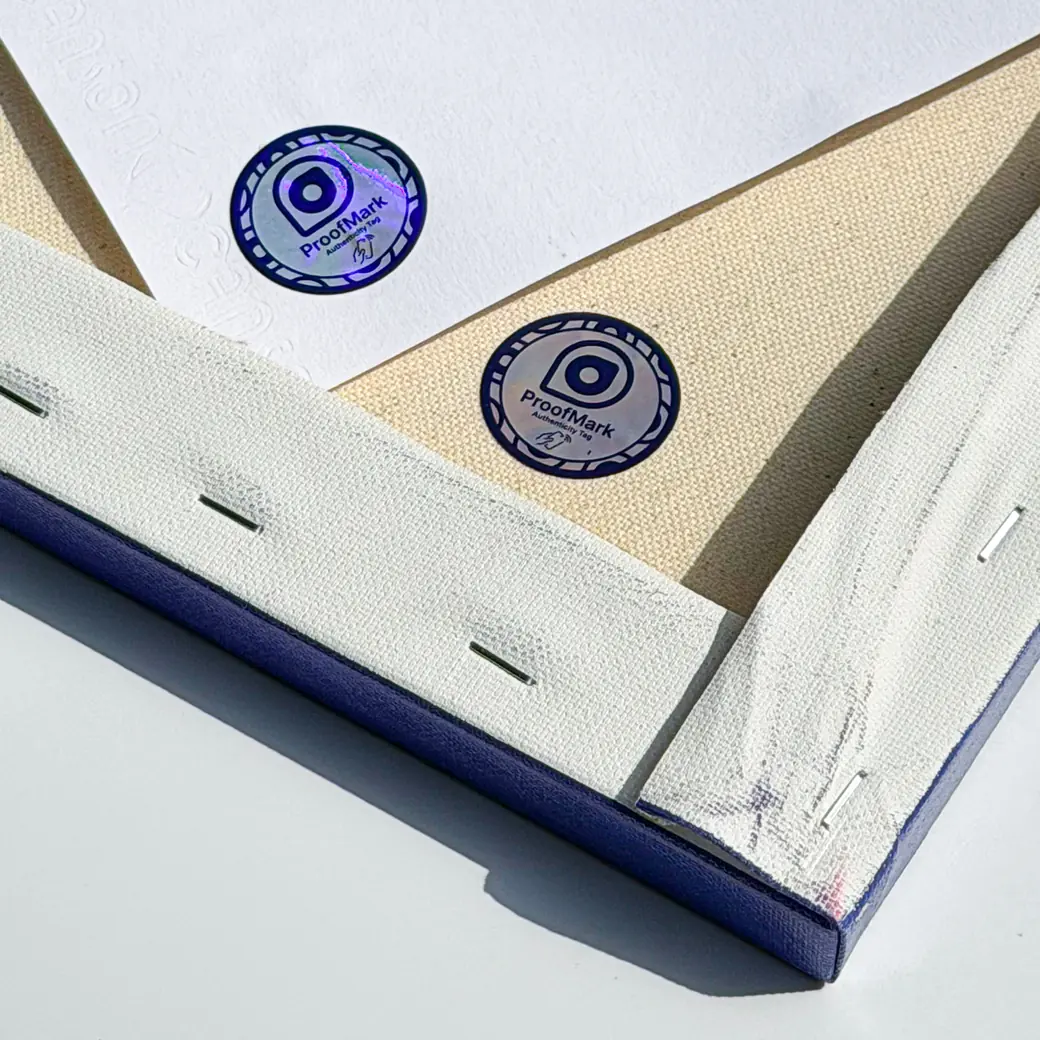
Give the physical print a direct path back to its certificate.
A proofmark.art tag or QR code can point directly to the COA for one print. Place it on the printed certificate, protective sleeve, or package that stays with that specific print.
After linking, test it from a phone before handing the print to the collector. The scan or tap should open the public COA and confirm that the physical print and digital record belong together.
- Attach the COA path to the print
- Link it to the print certificate
- Test the scan or tap before delivery
AFTER THE SALE
Why collectors care after the print leaves your studio
Print collectors often compare edition numbers, proof labels, paper choices, and production notes. A public COA gives them a stable record they can return to instead of relying on memory, screenshots, or a loose paper certificate.
For the creator, that same record can keep the print connected to your profile, your studio story, and future work, even when the print changes hands.
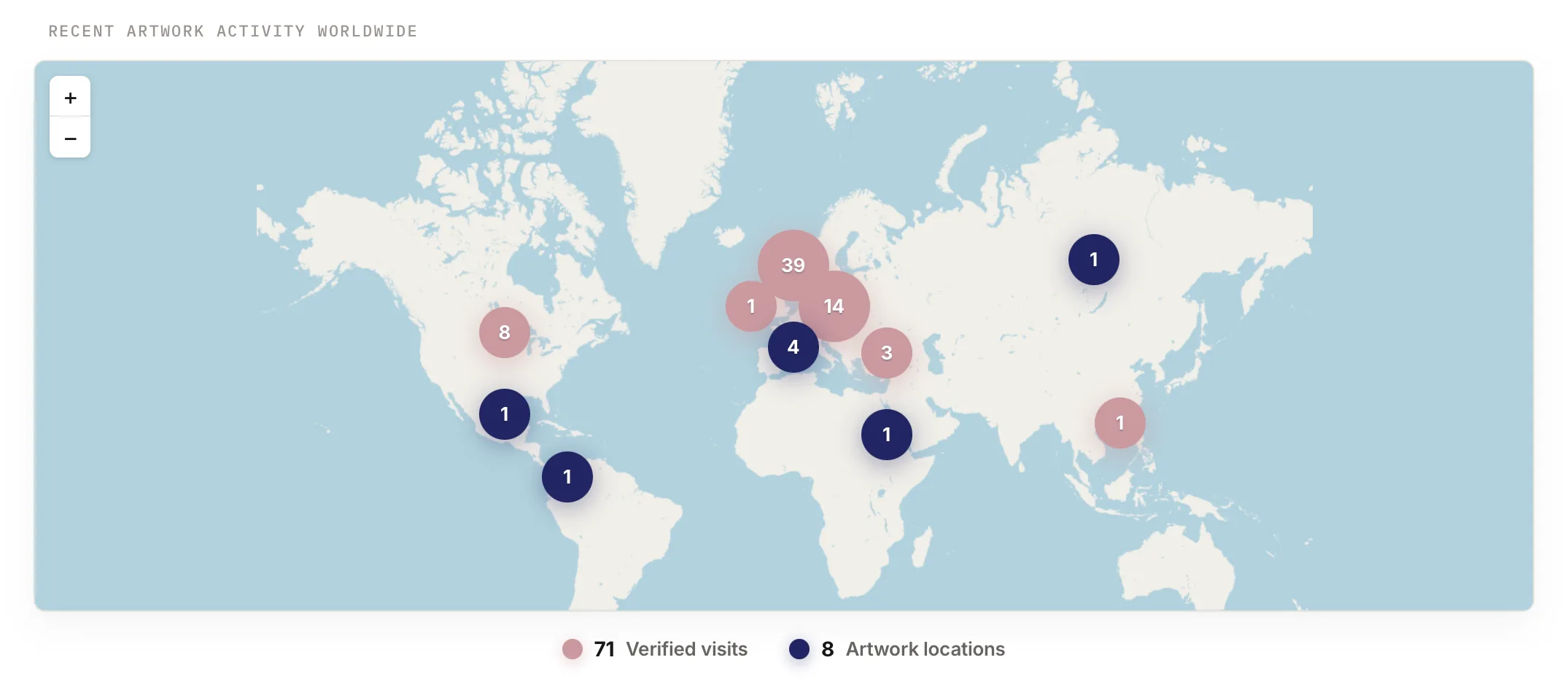
See artwork activity over time
Use proofmark.art to see where a COA is being opened and where the artwork is currently located, giving you a living view of the work after it leaves your studio.
Build a channel with your collectors
Collectors can use the COA to find your profile, contact you, and subscribe to new work, turning a single sale into an ongoing relationship.
Support confidence in the secondary market
A public COA, scan history, verification URL, and linked proofmark.art tag help future buyers understand the artwork's authenticity and provenance.